December 12, 2024
Connecting Your Business: A Guide to API and Third-Party Integrations
Modern businesses run on multiple software tools. Learn how API integrations connect your systems, automate data flow, and eliminate the manual work of managing disconnected applications.
Written by Frankwin Hooglander
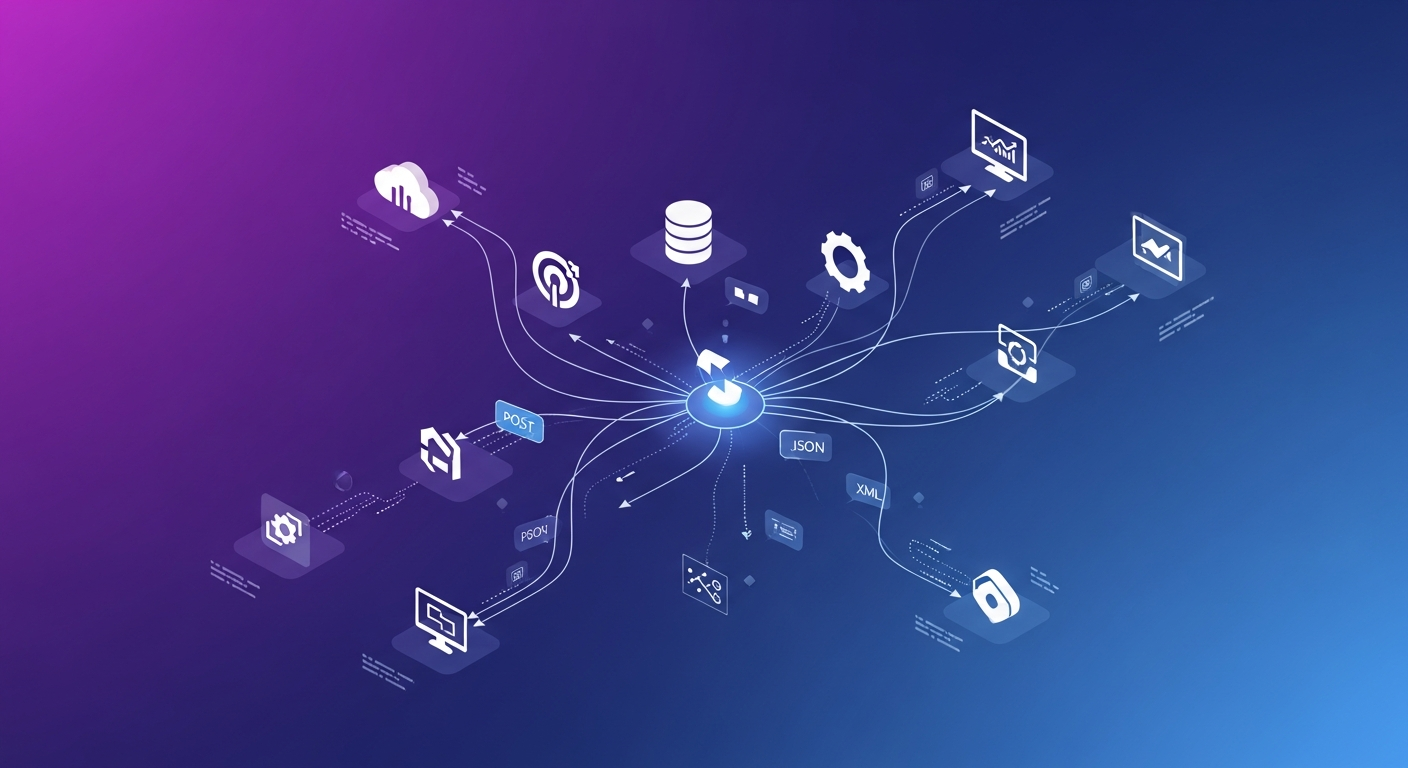
The average small business uses 40+ software applications. For home service companies, that stack typically includes a CRM, accounting software, scheduling tools, communication platforms, marketing systems, and more. Each tool does its job well—but when they don't talk to each other, your team is stuck moving data manually between systems.
API integrations solve this problem by connecting your applications, enabling automatic data flow, and creating unified workflows across your technology stack. Understanding how integrations work—and implementing them effectively—can transform your operations.
What Are APIs and Integrations?
API Basics
An API (Application Programming Interface) is a way for software applications to communicate with each other. Think of it as a standardized language that lets different programs exchange information.
When you see features like:
- New leads from your website appearing automatically in your CRM
- Completed jobs syncing to your accounting software
- Appointment reminders sent via text message
- Customer reviews pulled into a dashboard
APIs are making these connections behind the scenes.
Types of Integrations
- Native integrations: Built-in connections between compatible software (Housecall Pro + QuickBooks)
- Third-party connectors: Platforms like Zapier that bridge applications without native integrations
- Custom integrations: Purpose-built connections for specific business needs
- Webhooks: Real-time notifications when events occur in an application
Why Integrations Matter for Home Service Businesses
Eliminate Double Entry
Without integrations, the same information gets entered multiple times:
- Customer contact info in CRM, accounting, and marketing tools
- Job details in scheduling software and invoicing system
- Financial data in field service software and bookkeeping
Each manual entry takes time and introduces error risk. Integrations ensure data flows automatically between systems.
Create Real-Time Visibility
Connected systems provide accurate, up-to-date information across your organization:
- Office sees job status updates as technicians work
- Accounting has current revenue data
- Marketing knows which customers recently booked
- Management dashboards reflect reality in real-time
Enable Advanced Automation
Integrations unlock powerful automation possibilities:
- New leads trigger immediate text responses AND CRM record creation AND team notification
- Completed jobs trigger invoice generation AND review request AND customer satisfaction survey
- Payments trigger accounting entry AND receipt email AND commission calculation
Without integrations, these multi-step processes require manual intervention at each stage.
Scale Without Adding Headcount
As your business grows, integrated systems handle increased volume without proportional staff increases. The workflows that handled 50 jobs per week can handle 500—if they're properly automated.
Common Integration Scenarios
Website to CRM
When someone fills out a form on your website:
- Contact information creates a new lead in your CRM
- Lead source is tagged for attribution
- Notification alerts your sales team
- Automated response acknowledges the inquiry
- Follow-up task is created if no contact within 5 minutes
CRM to Accounting
When a job is completed and invoiced:
- Invoice syncs to QuickBooks or your accounting software
- Customer record is created if new
- Revenue is properly categorized
- Payment status updates flow back to CRM
Scheduling to Communication
When an appointment is booked:
- Confirmation email sends immediately
- Calendar event creates for technician
- Reminder texts schedule for 24 hours and 2 hours before
- On-the-way notification enables when technician departs
Review Platforms to Dashboard
When customers leave reviews:
- Reviews from Google, Yelp, Facebook aggregate in one dashboard
- Alerts notify you of new reviews
- Sentiment analysis identifies trends
- Response templates streamline replies
Third-Party Leads to CRM
When leads come from platforms like HomeAdvisor or Thumbtack:
- Lead details import to your CRM automatically
- Source tracking enables ROI analysis
- Same follow-up workflows apply regardless of source
- Eliminates checking multiple platforms throughout the day
Integration Platforms
Zapier
The most popular integration platform, connecting 5,000+ applications:
- No-code interface: Build integrations without programming
- Wide compatibility: Works with most business software
- Multi-step workflows: Chain multiple actions from single triggers
- Filters and logic: Add conditions to control when actions run
Ideal for straightforward integrations between common applications.
Make (formerly Integromat)
More powerful than Zapier for complex scenarios:
- Visual workflow builder: See entire automation flow
- Advanced logic: Complex branching and error handling
- Better value: Often more cost-effective at scale
- Steeper learning curve: More powerful but more complex
Native Platform Integrations
Many software platforms offer built-in connections:
- Housecall Pro: QuickBooks, Mailchimp, Google Calendar, and more
- ServiceTitan: Extensive marketplace of partner integrations
- Jobber: QuickBooks, Stripe, Google, and scheduling tools
Native integrations are usually more reliable and easier to set up than third-party connectors.
Custom Development
When off-the-shelf options don't fit:
- Unique requirements: Business processes that don't match standard templates
- Specialized software: Niche tools without Zapier connections
- High volume: Enterprise-scale needs exceeding platform limits
- Deep integration: Complex data transformations or business logic
Planning Your Integration Strategy
Step 1: Map Your Current Stack
Document every software application your business uses:
- What is its purpose?
- Who uses it?
- What data does it contain?
- How does data currently move in and out?
Step 2: Identify Pain Points
Where does manual data transfer create problems?
- What tasks involve copying information between systems?
- Where do errors commonly occur?
- What information is often outdated?
- Which processes take longer than they should?
Step 3: Prioritize Opportunities
Not all integrations are equally valuable. Prioritize based on:
- Time savings: How much manual work will it eliminate?
- Error reduction: What mistakes will it prevent?
- Business impact: How does it affect revenue or customer experience?
- Feasibility: How easy is this integration to implement?
Step 4: Start Simple
Begin with high-impact, straightforward integrations:
- Website forms → CRM
- CRM → Accounting
- Scheduling → Automated reminders
Build confidence and experience before tackling complex scenarios.
Integration Best Practices
Data Quality First
Integrations amplify data quality issues. If your CRM has duplicate records, integrations will sync those duplicates everywhere. Clean your data before connecting systems.
Test Thoroughly
Before going live:
- Test with sample data to verify correct mapping
- Check edge cases (missing fields, unusual characters)
- Verify data appears correctly in destination system
- Confirm no unintended side effects
Monitor Continuously
Integrations can fail silently:
- Set up alerts for failed runs
- Review logs regularly
- Check data periodically for accuracy
- Have a process to address failures quickly
Document Everything
Maintain documentation of:
- What each integration does
- How it's configured
- Who manages it
- Troubleshooting steps
- Business processes that depend on it
Plan for Changes
Software updates can break integrations:
- Stay informed about updates to connected applications
- Test integrations after major updates
- Have contingency plans for critical integrations
- Keep integration platforms updated
Common Integration Challenges
API Limitations
Not all software is equally integration-friendly:
- Some applications lack APIs entirely
- API rate limits restrict how much data can flow
- Limited API functionality may not expose needed data
- API documentation may be poor or outdated
Data Mapping Complexity
Different systems structure data differently:
- Field names don't match between systems
- Data formats differ (date formats, phone number styles)
- Required fields may not have equivalents
- One-to-many relationships create complexity
Error Handling
When things go wrong:
- What happens when an integration fails?
- How are errors communicated?
- Who is responsible for fixing issues?
- How do you recover from data sync problems?
Security Concerns
Connecting systems introduces security considerations:
- What data is being shared?
- How are credentials stored?
- What access permissions are granted?
- Is data encrypted in transit?
Measuring Integration Success
Track the impact of your integrations:
- Time savings: Hours per week eliminated from manual tasks
- Error reduction: Fewer data entry mistakes
- Speed improvements: Faster process completion
- Data accuracy: More current, correct information
- User satisfaction: Staff happiness with connected systems
The Future of Business Integration
Integration technology continues to evolve:
- AI-powered automation: Intelligent routing and decision-making
- iPaaS platforms: Enterprise-grade integration platforms
- Embedded integrations: Pre-built connections within software
- Real-time synchronization: Instant data updates across systems
Businesses that master integration today will be better positioned to adopt these advances.
Expert Integration Support
Building an integrated technology stack requires understanding both the tools and your business processes. Getting integrations right the first time saves frustration and rework.
At HSP Automation, we help home service businesses connect their systems and automate their workflows. From simple Zapier connections to complex custom integrations, we design solutions that fit your specific needs.
Contact us today for a free integration assessment and discover how connected systems can transform your operations.