October 28, 2024
When Off-the-Shelf Software Falls Short: Custom App Development for Home Service Businesses
Generic software cannot solve every problem. Discover when custom app development makes sense, what the process looks like, and how purpose-built solutions can give your home service business a competitive edge.
Written by Frankwin Hooglander
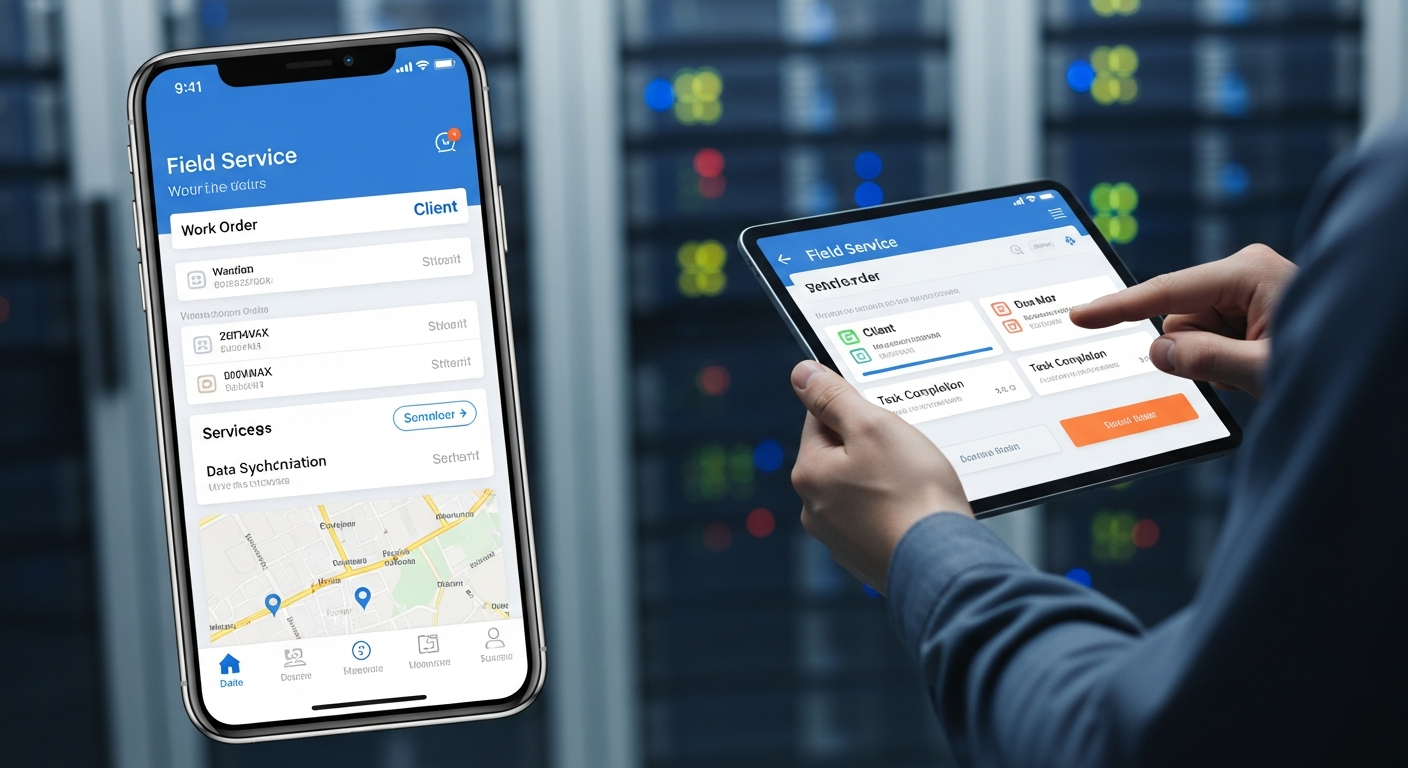
Every home service business is unique. Your processes, customer base, service area, and competitive advantages are different from every other contractor in your market. Yet most software solutions are built to serve the broadest possible audience, which means they often fall short of meeting your specific needs.
When off-the-shelf software forces you into workarounds, manual processes, or compromises that limit your efficiency, custom app development becomes a compelling alternative. Purpose-built software designed specifically for your business can solve problems that generic solutions simply cannot address.
Signs That Off-the-Shelf Software Isn't Enough
Before investing in custom development, it's important to recognize when generic software is truly limiting your business versus when you might just need better implementation. Here are clear signs that custom development might be the right choice:
You're Using Multiple Disconnected Systems
When your team has to log into five different apps to complete their daily work, problems multiply:
- Data lives in silos, requiring manual transfer between systems
- No single source of truth for customer or job information
- Staff waste time switching between applications
- Errors creep in from re-entering the same data
- Training becomes complex with multiple tools to learn
A custom solution can integrate all your critical functions into a single, unified platform designed around your actual workflow.
Critical Processes Require Workarounds
Every business has those processes that "almost" fit the software—but not quite. You end up with:
- Spreadsheets supplementing your CRM
- Sticky notes with information the system can't capture
- Manual steps that should be automated but aren't
- Staff memorizing special cases the software can't handle
When workarounds become embedded in daily operations, it's time to consider software that actually fits your processes.
Your Competitive Advantage Requires Unique Capabilities
What makes your business special might not be supported by generic tools:
- Specialized pricing models or estimating methods
- Unique service packages or bundled offerings
- Proprietary processes that differentiate your service
- Industry-specific compliance or documentation requirements
- Custom reporting needs for your specific KPIs
Generic software is designed for the "average" business. If your competitive advantage lies in doing things differently, you may need custom tools to support that difference.
You've Outgrown Your Current Solutions
What worked when you had 3 employees might not work with 30:
- Performance slows as data volume grows
- Features that seemed fine become bottlenecks at scale
- Pricing models become prohibitively expensive as you grow
- Support response times increase as you become a smaller percentage of their customer base
Custom software can be built to scale with your specific growth trajectory.
Types of Custom Applications for Home Service Businesses
Integrated Field Service Platforms
A unified platform that combines:
- Customer database and property management
- Scheduling and dispatch with route optimization
- Mobile app for field technicians
- Estimating and invoicing
- Inventory and equipment tracking
- Reporting and business analytics
Instead of stitching together multiple generic tools, everything works together seamlessly because it was designed as a cohesive system.
Customer-Facing Applications
Give customers self-service capabilities that improve their experience:
- Appointment booking and rescheduling
- Service history and documentation access
- Payment and billing management
- Maintenance reminders and seasonal offers
- Direct communication with your team
- Photo and document uploads for service requests
A branded customer portal differentiates your business and reduces call volume for routine requests.
Specialized Calculators and Estimating Tools
Complex estimating processes can be streamlined with custom calculators:
- Multi-factor pricing that considers materials, labor, and complexity
- Visual configurators for customer-facing estimates
- Integration with supplier pricing for real-time material costs
- Margin protection with minimum markup enforcement
- Approval workflows for large projects
For example, a custom Christmas light installation calculator might factor in roofline measurements, peak heights, outlet locations, and design preferences to generate accurate quotes instantly—something no generic tool could handle.
Equipment and Maintenance Tracking
For businesses that install or service equipment:
- Complete equipment history at each customer property
- Warranty tracking and expiration alerts
- Maintenance schedules and compliance documentation
- QR code or barcode scanning for quick equipment lookup
- Integration with manufacturer databases
Team Management and Training
Internal tools that improve operations:
- Skills and certification tracking
- Training assignment and completion monitoring
- Performance dashboards for individual and team metrics
- Commission calculation and tracking
- Internal communication and knowledge base
The Custom Development Process
Phase 1: Discovery and Requirements
Before any code is written, extensive discovery ensures the solution addresses real needs:
- Process mapping: Document current workflows, including all workarounds and pain points
- User interviews: Understand how different roles interact with systems today
- Data audit: Inventory existing data sources and integration requirements
- Priority ranking: Identify must-have vs. nice-to-have features
- Success criteria: Define measurable outcomes for the project
This phase typically takes 2-4 weeks and results in a detailed requirements document and project scope.
Phase 2: Design and Prototyping
Before development begins, designs are created and validated:
- User experience (UX) design: Map user flows and information architecture
- User interface (UI) design: Create visual designs for key screens
- Interactive prototypes: Clickable mockups that demonstrate how the app will work
- User testing: Get feedback from actual users before building
- Design refinement: Iterate based on feedback
Prototyping catches issues early when changes are cheap, rather than after development when they're expensive.
Phase 3: Development
Building the actual application typically follows an agile methodology:
- Sprint-based development: Work delivered in 2-week increments
- Regular demos: See progress and provide feedback frequently
- Continuous testing: Quality assurance throughout development
- Iterative refinement: Adjust based on learnings during development
Development timelines vary based on complexity, but a typical custom application takes 3-6 months to build.
Phase 4: Deployment and Training
Launching successfully requires careful planning:
- Data migration: Transfer existing data to the new system
- User training: Ensure everyone knows how to use the new tools
- Phased rollout: Start with a pilot group before company-wide launch
- Support resources: Documentation, help materials, and responsive support
Phase 5: Ongoing Support and Enhancement
Custom software requires ongoing attention:
- Bug fixes: Address issues as they're discovered
- Security updates: Keep systems protected against new threats
- Feature additions: Enhance based on user feedback and changing needs
- Performance optimization: Ensure the system scales with your business
Build vs. Buy: Making the Right Decision
When to Buy Off-the-Shelf
Generic software makes sense when:
- Your processes are standard for your industry
- The software handles 90%+ of your needs well
- You're early-stage and still figuring out processes
- Budget is extremely limited
- Speed to deployment is the primary concern
When to Build Custom
Custom development makes sense when:
- Off-the-shelf options require extensive workarounds
- Your competitive advantage depends on unique processes
- Integration between systems is critical and existing options are limited
- You've validated needs through extended use of generic tools
- ROI calculations justify the investment
- You have budget and timeline to do it right
Hybrid Approaches
Sometimes the best solution combines both:
- Use established platforms for commodity functions (accounting, email, etc.)
- Build custom for unique, differentiating capabilities
- Create custom integrations to connect everything seamlessly
ROI Considerations
Custom development requires significant investment, so ROI must be carefully evaluated:
Cost Factors
- Development costs: Typically $50,000-$250,000+ depending on complexity
- Ongoing maintenance: 15-20% of initial development cost annually
- Internal time: Staff involvement in requirements, testing, and training
- Opportunity cost: Resources devoted to the project vs. other initiatives
Benefit Factors
- Time savings: Hours saved per week multiplied by hourly labor cost
- Error reduction: Fewer mistakes means fewer costly corrections
- Faster operations: Quicker processes mean more jobs completed
- Customer experience: Better service leads to higher retention and referrals
- Competitive advantage: Capabilities competitors cannot easily replicate
For many businesses, custom software pays for itself within 12-24 months through operational improvements alone.
Choosing a Development Partner
Not all developers are suited for every project. Look for:
- Industry experience: Understanding of home service business operations
- Full-stack capabilities: Can handle design, development, and deployment
- Clear communication: Explains technical concepts in business terms
- Proven process: Structured approach to requirements, development, and delivery
- Ongoing support: Committed to long-term relationship, not just project completion
- References: Satisfied clients with similar projects
Avoid developers who jump straight to coding without thorough discovery, promise unrealistic timelines, or cannot explain their process clearly.
Getting Started
If you're considering custom development, start with these steps:
- Document pain points: List every workaround, frustration, and limitation with current tools
- Calculate costs: Estimate time and money wasted on current inefficiencies
- Define ideal state: Describe what perfect software would do for your business
- Prioritize: Rank needs from critical to nice-to-have
- Get expert input: Consult with development partners to assess feasibility and costs
Custom Solutions from HSP Automation
At HSP Automation, we specialize in building custom applications for home service businesses. We understand your industry, your challenges, and what it takes to build software that actually gets used and delivers results.
Whether you need a fully custom platform, specialized calculators, customer-facing portals, or integrations between existing systems, we can help you design and build the right solution.
Contact us today for a free consultation to discuss your custom software needs and explore what's possible for your business.