January 18, 2026
Housecall Pro Optimization vs Using It Out of the Box
Housecall Pro works out of the box, but growth exposes its limits. This post explains the difference between default usage and optimization, why inefficiency grows over time, and when optimizing Housecall Pro becomes necessary to support smoother operations.
Written by Frankwin Hooglander
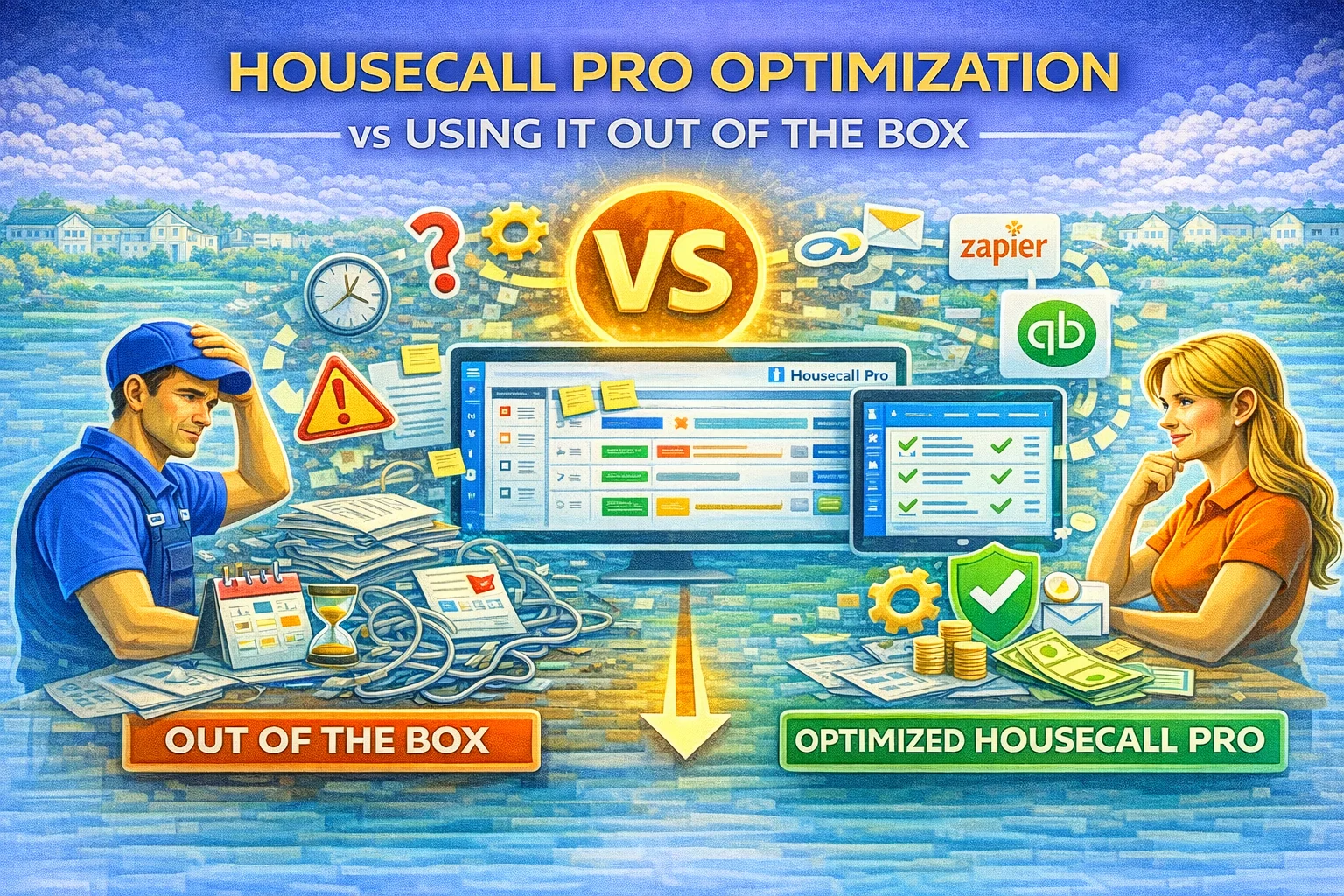
Housecall Pro works well the moment it is turned on. Scheduling, invoicing, and job tracking function immediately, which is why many service businesses adopt it quickly.
For a while, using Housecall Pro “as-is” feels sufficient.
Over time, however, many businesses notice friction. Tasks take longer. Staff work around the system. Follow-ups become inconsistent. At that point, the difference between using Housecall Pro out of the box and optimizing it becomes clear.
This article explains that difference and helps service businesses understand when optimization becomes necessary.
What “Out of the Box” Usage Looks Like
Using Housecall Pro out of the box means relying on default settings and minimal customization. Jobs are scheduled, invoices are sent, and payments are collected.
For small teams or low job volume, this approach can work well. The system does what it promises without much effort.
However, out-of-the-box usage assumes operations stay simple. As soon as volume increases or workflows change, limitations appear.
How Growth Exposes System Weaknesses
Growth introduces complexity. More jobs, more staff, more customers, and more exceptions all strain default setups.
Job statuses lose meaning. Services become cluttered. Scheduling rules feel restrictive. Reporting no longer reflects reality.
At this stage, the system is not broken. It is simply misaligned with how the business now operates.
Optimization realigns the system with reality.
What Optimization Actually Means
Optimization is not about adding features or complexity. It is about clarity.
Optimized Housecall Pro setups have clearly defined job stages, structured services, clean customer records, and workflows that match real operations.
Instead of forcing staff to adapt to software defaults, the system adapts to the business.
This is what restores efficiency.
Why Optimization Reduces Manual Work
Out-of-the-box usage often requires manual checks and follow-ups. Staff compensate for gaps by sending messages manually, tracking notes elsewhere, or double-checking schedules.
Optimization replaces those workarounds with consistency. Tasks happen automatically because the system knows what comes next.
This reduces interruptions and mental load across the team.
The Impact on Automation and Integrations
Automation depends on predictable data. Default setups rarely provide that consistency at scale.
When Housecall Pro is optimized, automation becomes reliable. Triggers fire correctly. Messages go out at the right time. Integrations behave as expected.
Without optimization, automation feels risky and is often avoided altogether.
Cost Comparison: Optimization vs Staying As-Is
Staying with an unoptimized system has hidden costs. Lost leads, missed follow-ups, extra admin hours, and unnecessary hiring all add up over time.
Optimization requires upfront effort, but it reduces ongoing waste. Most businesses recover that investment quickly through time savings and improved consistency.
The real cost is not optimization. It is inefficiency.
Which Businesses Benefit Most From Optimization
Businesses that handle recurring services, multiple technicians, seasonal demand, or high call volume benefit the most from optimization.
HVAC, plumbing, cleaning, roofing, landscaping, and similar trades often reach this point sooner than expected.
When operations feel harder instead of smoother as the business grows, optimization is usually the missing piece.
Why Optimization Is Not a One-Time Event
Optimization is not a single switch. As businesses evolve, systems should evolve with them.
Periodic reviews keep Housecall Pro aligned with current operations. Small adjustments prevent major problems later.
This is how systems stay helpful instead of becoming obstacles.
Final Thoughts
Using Housecall Pro out of the box is a great starting point. Optimization is what turns it into a long-term operating system.
The difference is not about features. It is about alignment.
When Housecall Pro reflects how a business actually works, everything becomes easier. That is when the software delivers its full value.