January 11, 2026
Housecall Pro Setup and Optimization for Home Service Businesses
Housecall Pro is a powerful field service management system, but only when it is set up correctly. This guide explains how proper Housecall Pro setup and optimization improve workflows, reduce manual work, and support growth for home service businesses.
Written by Frankwin Hooglander
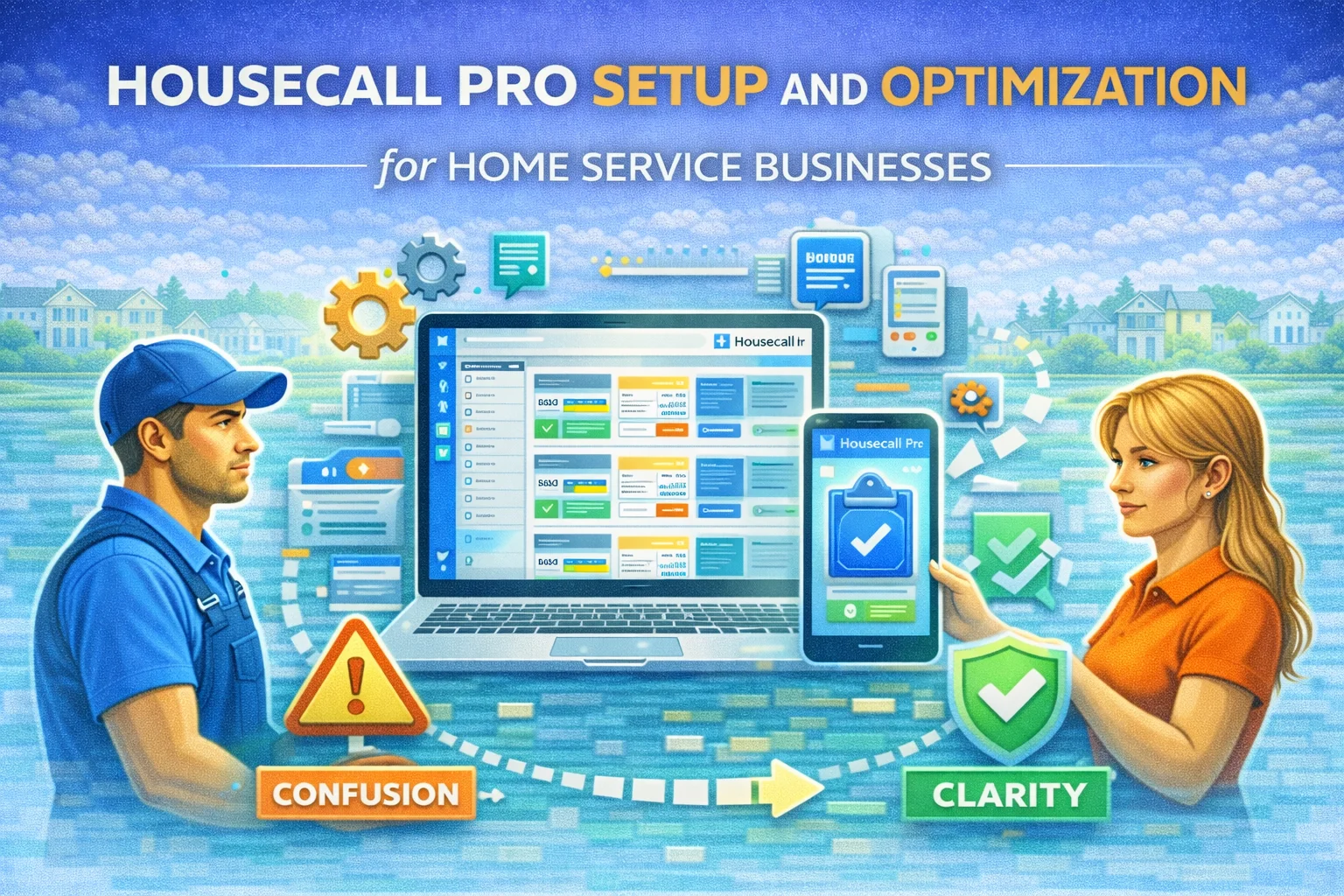
Housecall Pro is not just another piece of software. For many home service businesses, it becomes the system that runs daily operations. Scheduling, dispatching, estimates, invoices, payments, and customer communication all flow through it.
When Housecall Pro is set up correctly, work moves smoothly from request to completion. When it is not, small issues compound into missed jobs, scheduling confusion, admin overload, and frustrated staff.
Housecall Pro is powerful by design. The difference between businesses that struggle and businesses that scale is not the software itself. It is how that software is configured and optimized.
This guide explains what proper Housecall Pro setup and optimization look like for home service businesses and why treating it as a true Field Service Management system changes everything.
Why Setup Matters More Than Features
Most home service businesses choose Housecall Pro because of its features. Scheduling, invoicing, dispatching, and payments all sound great during onboarding.
The problem is that features alone do not create efficiency.
Without intentional setup, each person on the team uses the system differently. Jobs are created inconsistently. Statuses mean different things to different people. Notes are scattered. Follow-ups rely on memory instead of process.
Setup defines how work flows. Optimization ensures that flow stays consistent as the business grows.
Housecall Pro as the Operating System of the Business
When optimized correctly, Housecall Pro becomes the operating system of a service business.
Every job follows the same path. Every technician sees the same information. Office staff know exactly where a job stands without asking questions. Owners trust their data.
Instead of reacting to problems, the business runs on clear systems.
This is especially important in HVAC, plumbing, electrical, cleaning, landscaping, roofing, and other service industries where speed, accuracy, and communication matter daily.
The Hidden Cost of Poor Housecall Pro Configuration
Poor setup does not always break things immediately. Instead, it creates friction.
Jobs slip through the cracks. Customers do not receive follow-ups. Schedules feel harder to manage as volume increases. Reporting becomes unreliable.
Over time, these issues lead to longer hours, unnecessary hiring, and lost revenue.
In most cases, the software is blamed. In reality, the system was never configured to support how the business actually operates.
Why Optimization Is Different From Basic Setup
Basic setup gets Housecall Pro running. Optimization makes it work well.
Optimization focuses on clarity and consistency. Job statuses are defined clearly. Services are structured logically. Customer records stay clean. Workflows match real-world operations.
When optimization is done right, staff do not have to think about the system. They simply use it.
The goal is not complexity. The goal is fewer decisions and fewer mistakes.
How Optimized Housecall Pro Supports Automation
Automation only works when the underlying system is clean.
Housecall Pro often acts as the source of truth for automation workflows. Job creation, status changes, payments, and customer updates all trigger actions in other systems.
When Housecall Pro is optimized, automation becomes reliable. Messages go out at the right time. Follow-ups happen automatically. Admin work decreases.
When it is not, automation breaks or creates confusion.
Optimization is what makes automation safe to use.
How Housecall Pro Optimization Looks Across Industries
Different service industries use Housecall Pro in different ways, but the foundation stays the same.
HVAC and plumbing businesses rely on fast intake and emergency scheduling. Cleaning and pool service businesses depend on recurring jobs and consistency. Roofing and solar installation businesses manage long sales cycles and approvals. Landscaping and tree service businesses handle seasonal workloads.
Optimized setup adapts to each use case without changing the core system.
That flexibility is what makes Housecall Pro so valuable when configured correctly.
Signs Housecall Pro Is Not Working as It Should
Most business owners feel it before they can explain it. Staff ask the same questions repeatedly. Jobs feel harder to track. Follow-ups are inconsistent. Reports do not match reality.
The system is being used, but it is not trusted.
That lack of trust is the clearest sign optimization is needed.
What Businesses Gain From Proper Optimization
When Housecall Pro is optimized, clarity replaces chaos.
Scheduling becomes predictable. Communication becomes consistent. Data becomes reliable. Owners spend less time managing details and more time leading the business.
The software fades into the background, which is exactly what good systems should do.
Final Thoughts
Housecall Pro is not just a scheduling tool or an invoicing platform. It is a Field Service Management system designed to run a home service business.
When set up and optimized correctly, it reduces stress, supports growth, and creates consistency across the entire operation.
The difference is not the software. It is how the system is built.