January 16, 2026
How Housecall Pro Integrates With Automation and Other Tools
Housecall Pro becomes more powerful when it connects to other tools. This post explains how integrations and automation reduce manual work, improve communication, and support growth when built on a clean Housecall Pro setup.
Written by Frankwin Hooglander
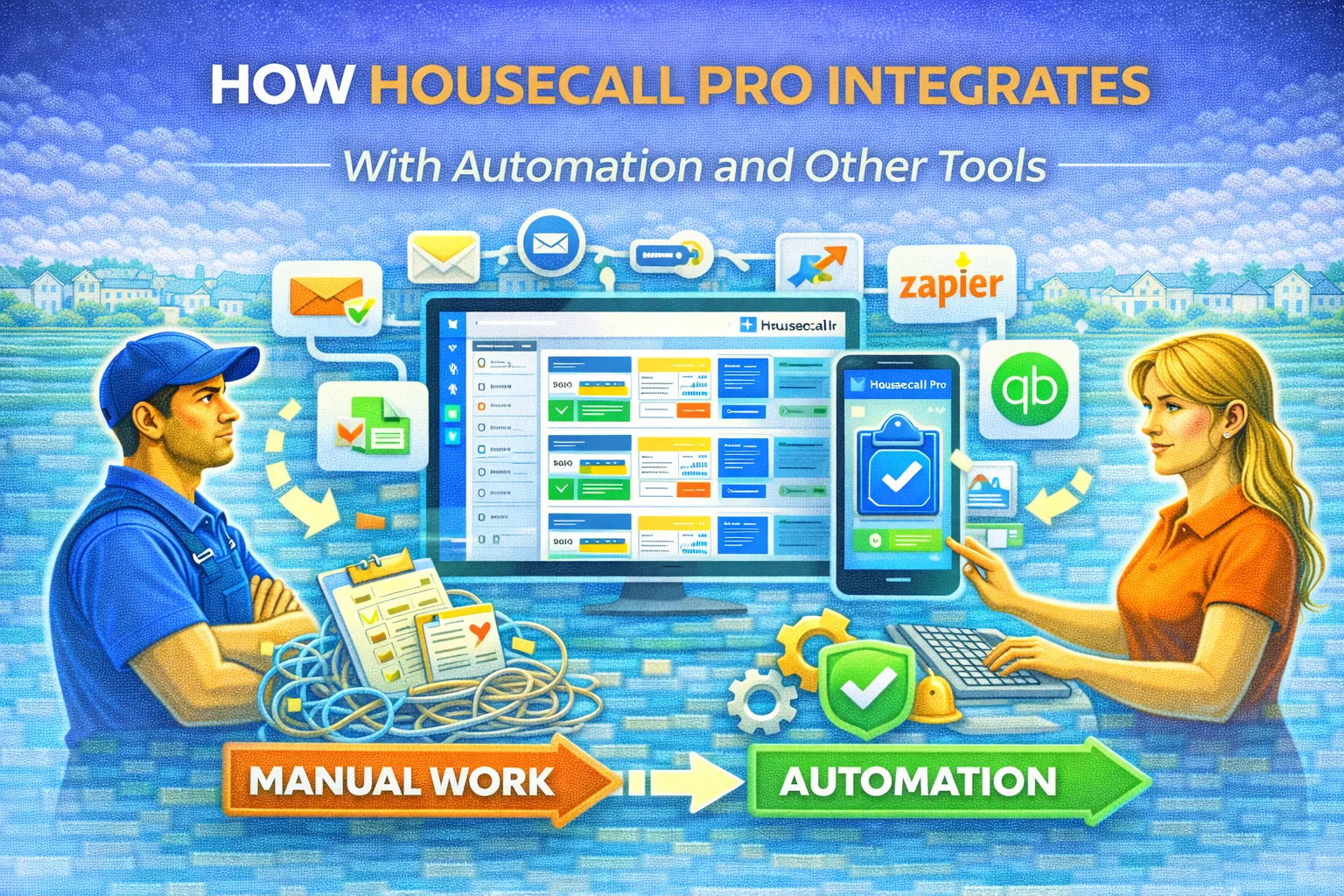
Housecall Pro works well on its own, but its real power shows up when it connects to other tools. Scheduling, invoicing, and job management become even more effective when information flows automatically between systems.
Many home service businesses never reach this point. They use Housecall Pro daily, but still rely on manual steps outside the platform. Data is copied between tools. Follow-ups are handled manually. Reporting lives in multiple places.
This is where automation and integrations change how the business operates.
Why Integration Matters More Than Features
No single tool can handle everything. Even a strong field service management platform like Housecall Pro works best as part of a larger system.
When Housecall Pro integrates with other tools, information moves without human intervention. Leads are captured instantly. Customers receive timely updates. Internal teams stay informed automatically.
Integration removes friction between systems and reduces reliance on manual work.
Housecall Pro as the Source of Truth
For automation to work reliably, one system must act as the source of truth. In most service businesses, that system is Housecall Pro.
Jobs, customers, statuses, and payments originate there. When Housecall Pro data is clean and consistent, it can trigger actions in other tools confidently.
When data is messy, integrations break down or create errors. This is why setup and structure matter before automation is added.
Common Tools That Integrate With Housecall Pro
Housecall Pro often connects with communication tools, automation platforms, accounting software, and internal reporting systems.
These integrations allow businesses to send automated messages, sync job data, trigger follow-ups, and reduce duplicate data entry.
The goal is not more tools. The goal is fewer manual steps.
How Automation Reduces Manual Work
Automation replaces repetitive tasks that do not require judgment. Appointment confirmations, job reminders, payment follow-ups, and review requests can all be handled automatically.
When Housecall Pro triggers these actions, staff regain time and focus. The business becomes more consistent without adding headcount.
Automation works best when it supports existing workflows instead of replacing them.
Avoiding Over-Automation
One common mistake is automating too much too quickly. This creates confusion for staff and customers.
Effective automation is subtle. Customers feel informed, not overwhelmed. Staff feel supported, not replaced.
Starting with a few high-impact workflows delivers better results than trying to automate everything at once.
Integration Benefits Across Service Industries
In HVAC and plumbing, integrations support fast response and emergency workflows. In cleaning and pool service, they handle recurring communication. In roofing and solar installation, they support long sales cycles. In landscaping and tree service, they manage seasonal follow-ups.
The use case changes, but the value stays consistent.
When Integration Becomes Necessary
Integration becomes necessary when manual work starts limiting growth. Staff spend too much time copying data. Follow-ups are inconsistent. Customers experience delays.
At that point, automation is no longer optional. It becomes a tool for stability.
Building Automation on a Strong Foundation
Successful automation depends on clean setup, clear structure, and defined workflows.
Housecall Pro optimization should come before advanced integrations. When the foundation is solid, automation becomes reliable instead of risky.
Final Thoughts
Housecall Pro integrations extend what the platform can do without adding complexity to daily operations.
When connected thoughtfully to other tools, Housecall Pro becomes the center of a larger system that saves time, improves communication, and supports growth.
Automation works best when it is built on purpose, not urgency.