October 18, 2024
Mastering CRM Setup and Optimization: Turn Your Software Into a Growth Engine
Your CRM should be your most powerful business tool, not a digital filing cabinet. Learn how to properly set up and optimize your CRM to streamline operations, improve customer relationships, and accelerate growth.
Written by Frankwin Hooglander
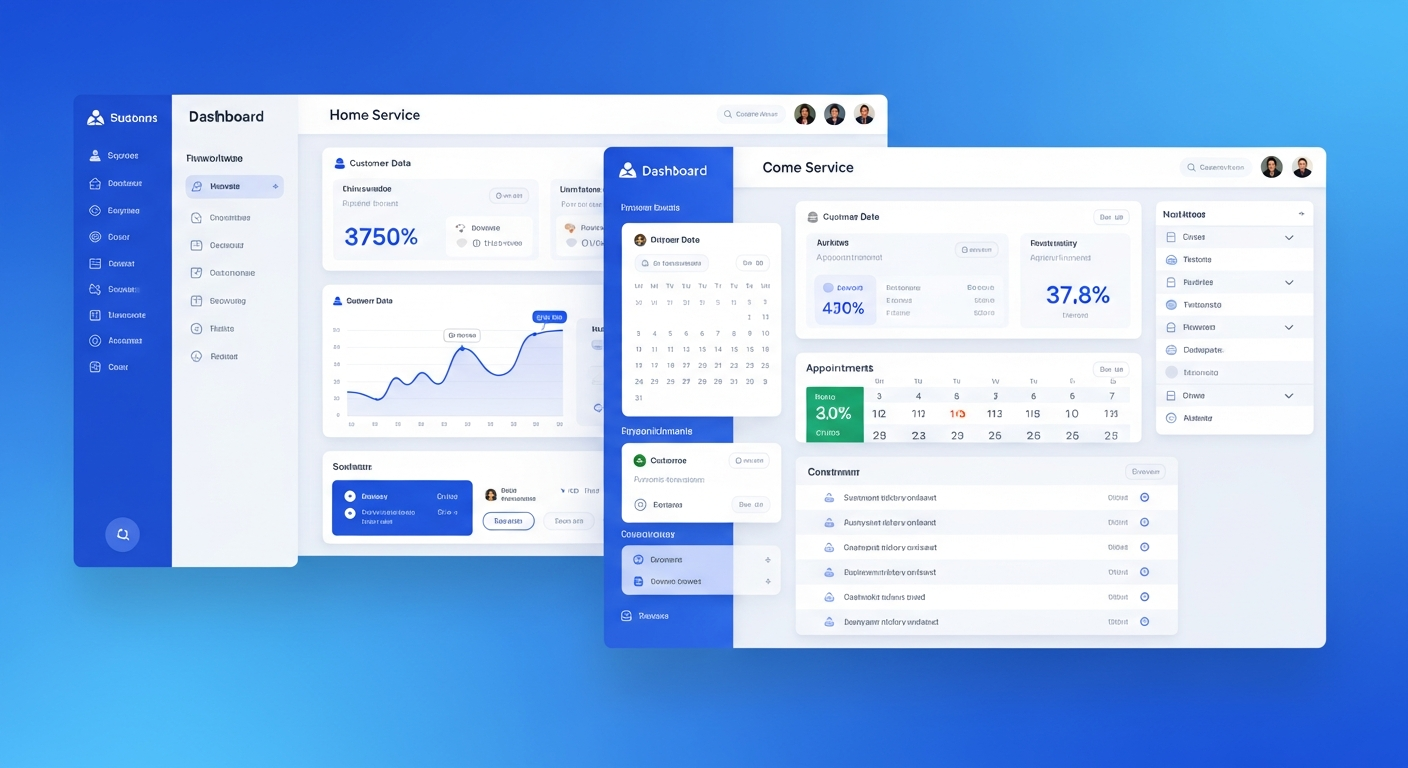
Customer Relationship Management (CRM) software has become essential for modern home service businesses. Platforms like Housecall Pro, ServiceTitan, Jobber, and others promise to transform how you manage customers, schedule jobs, and grow revenue. Yet many business owners invest in these powerful tools only to use a fraction of their capabilities.
The difference between businesses that thrive with CRM and those that struggle isn't the software—it's how it's set up and used. A properly configured and optimized CRM becomes the operational backbone of your business, while a poorly implemented one becomes just another expense with minimal return.
What CRM Really Means for Home Service Businesses
At its core, a CRM system centralizes all customer information and interactions in one place. But for home service businesses, it goes far beyond a digital Rolodex. A well-implemented CRM handles:
- Customer database: Complete history of every customer, property, and service
- Lead management: Tracking prospects from first contact to closed sale
- Scheduling and dispatch: Managing technician calendars and job assignments
- Estimates and invoicing: Creating, sending, and tracking financial documents
- Communication: Email, text, and call logging with customers
- Reporting: Business metrics and performance analytics
- Automation: Workflows that handle repetitive tasks automatically
When all these elements work together seamlessly, you gain visibility into your entire operation and the ability to make data-driven decisions that drive growth.
The Hidden Cost of Poor CRM Implementation
Many businesses subscribe to CRM software, do minimal setup, and wonder why they're not seeing results. The reality is that an improperly configured CRM can actually hurt your business:
- Wasted time: Staff fighting with confusing interfaces and incomplete data
- Lost leads: Prospects falling through the cracks due to poor tracking
- Frustrated customers: Information not available when needed, requiring customers to repeat themselves
- Inaccurate reporting: Bad data in means bad insights out
- Duplicate efforts: Manual workarounds because automations aren't set up
- Team resistance: Staff avoiding the system because it's cumbersome
Studies show that up to 70% of CRM implementations fail to meet expectations—not because the software is bad, but because of poor setup and adoption. Don't let your investment become another statistic.
Phase 1: Foundation Setup
Data Structure and Custom Fields
Before importing any data, plan your data structure carefully. Think about what information you need to track for:
- Customers: Contact info, property details, communication preferences, referral source
- Properties: Address, equipment installed, access instructions, special notes
- Jobs: Service type, technician assigned, materials used, before/after photos
- Leads: Source, service interest, estimated value, follow-up status
Create custom fields for information specific to your business. If you install HVAC systems, you might track equipment brand, model, installation date, and warranty expiration. A plumber might track water heater age, pipe material, or known issues.
The goal is to have all relevant information accessible when you need it—whether you're on a sales call, dispatching a technician, or reviewing customer history.
User Permissions and Roles
Not everyone needs access to everything. Configure user roles based on job functions:
- Technicians: View assigned jobs, update job status, add notes and photos
- Office staff: Manage scheduling, process payments, communicate with customers
- Sales team: Access leads, create estimates, track pipeline
- Management: Full access including financial reports and business analytics
Proper permissions protect sensitive information while ensuring everyone has access to what they need.
Integration Connections
Your CRM should connect with other tools you use:
- Accounting software: QuickBooks, Xero for seamless financial tracking
- Payment processors: Stripe, Square for invoice payments
- Marketing tools: Email marketing platforms for campaigns
- Review platforms: Automated review requests after jobs
- Website: Form submissions creating leads automatically
Each integration eliminates manual data entry and reduces the chance of errors.
Phase 2: Lead Management Optimization
Lead Sources and Attribution
Understanding where your leads come from is essential for marketing ROI. Set up tracking for every lead source:
- Website contact forms
- Phone calls (with call tracking)
- Google Business Profile messages
- Social media inquiries
- Referrals from existing customers
- Third-party platforms (HomeAdvisor, Thumbtack, etc.)
- Direct mail campaigns
When every lead is properly attributed, you can see which marketing channels deliver the best ROI and allocate budget accordingly.
Lead Pipeline Stages
Create a clear pipeline that tracks leads from first contact to closed sale:
- New Lead: Just came in, needs initial contact
- Contacted: Initial outreach made
- Quote Sent: Estimate delivered to customer
- Follow-up: Awaiting customer decision
- Won: Job booked
- Lost: Customer went elsewhere or decided not to proceed
This visibility helps you identify bottlenecks. If lots of leads stall at "Quote Sent," you might need to improve your follow-up process or adjust pricing.
Response Time Tracking
Speed to lead is critical. Configure your CRM to track:
- Time from lead creation to first contact
- Response times by lead source
- Performance by team member
Set internal benchmarks (e.g., all leads contacted within 5 minutes during business hours) and monitor performance against these goals.
Phase 3: Scheduling and Dispatch Efficiency
Service Time Estimation
Accurate job scheduling requires realistic time estimates. Analyze your historical data to understand:
- Average duration by service type
- Buffer time needed between appointments
- Travel time considerations by area
Build these insights into your scheduling rules to avoid overbooking and late arrivals.
Technician Capacity and Skills
Not all technicians can do all jobs. Configure your system to track:
- Certifications and specializations
- Experience levels
- Preferred job types
- Maximum daily capacity
Smart dispatching matches the right technician to each job based on skills, location, and availability.
Automated Scheduling Rules
Implement rules that optimize efficiency:
- Route optimization to minimize drive time
- Priority slots for emergency services
- Buffer time between jobs in different areas
- Overtime alerts when schedules exceed capacity
Phase 4: Customer Communication
Communication Templates
Create professional templates for common communications:
- Appointment confirmations: Include date, time, technician name, and preparation instructions
- Reminder messages: 24-hour and 2-hour reminders
- On-the-way notifications: Technician ETA updates
- Follow-up messages: Post-service satisfaction check and review request
- Quote presentations: Professional estimate format with company branding
Templates ensure consistent, professional communication while saving time.
Communication Preferences
Track how each customer prefers to be contacted:
- Text message vs. email vs. phone call
- Preferred language if you serve diverse communities
- Best times to reach them
Respecting preferences improves customer experience and response rates.
Communication History
Every interaction should be logged in the CRM:
- Phone calls with notes on discussion
- Emails sent and received
- Text message threads
- In-person conversations
Complete history means anyone on your team can pick up where another left off, providing seamless customer service.
Phase 5: Automation Workflows
Lead Follow-up Sequences
Automate follow-up with leads who don't respond immediately:
- Day 1: Initial text and email
- Day 2: Follow-up call (manual task created)
- Day 4: Second email with additional information
- Day 7: "Just checking in" message
- Day 14: Final outreach before marking inactive
Persistence pays off—many leads convert on the third or fourth contact.
Post-Job Workflows
After job completion, trigger automatic actions:
- Send invoice immediately
- Email summary of work performed
- Schedule review request for 3 days later
- Add to maintenance reminder list
- Create referral request task for satisfied customers
Recurring Service Reminders
Automate reminders for recurring maintenance:
- HVAC tune-up reminders each spring and fall
- Annual inspections and certifications
- Filter replacement reminders
- Warranty expiration notices
These automations generate repeat business with minimal effort.
Phase 6: Reporting and Analytics
Key Performance Indicators
Configure dashboards to track essential metrics:
- Lead conversion rate: What percentage of leads become customers?
- Average ticket value: Revenue per job
- Customer acquisition cost: Marketing spend per new customer
- Technician utilization: Billable hours vs. available hours
- Revenue per lead source: ROI by marketing channel
- Customer lifetime value: Total revenue per customer over time
Team Performance Tracking
Monitor individual and team performance:
- Response time to leads
- Conversion rates by salesperson
- Jobs completed per technician
- Customer satisfaction ratings
- Upsell and add-on revenue
Data-driven coaching helps improve team performance over time.
Financial Reporting
Track financial health with reports on:
- Revenue by service type
- Profit margins by job category
- Outstanding receivables aging
- Monthly and yearly trends
- Comparison to goals and forecasts
Ensuring Team Adoption
Even the best CRM setup fails if your team doesn't use it. Ensure adoption by:
- Involving the team early: Get input during setup process
- Providing thorough training: Don't assume people will figure it out
- Making it mandatory: Commissions and job completion tied to CRM usage
- Leading by example: Management using the system daily
- Providing ongoing support: Answer questions and address frustrations quickly
- Celebrating wins: Highlight successes enabled by the CRM
Ongoing Optimization
CRM optimization isn't a one-time project—it's an ongoing process:
- Monthly reviews: Check key metrics and identify issues
- Quarterly cleanup: Update outdated records and remove duplicates
- Regular training: Refresh training and introduce new features
- Process refinement: Continuously improve workflows based on experience
- Stay current: Keep up with software updates and new capabilities
The ROI of CRM Optimization
Businesses that fully utilize their CRM typically see:
- 20-30% increase in lead conversion rates
- 25% reduction in administrative time
- 15% improvement in customer retention
- Faster growth with better visibility and data-driven decisions
These improvements compound over time, making CRM optimization one of the highest-ROI investments you can make in your business.
Get Expert Help
Setting up and optimizing a CRM properly takes time and expertise. Many business owners are experts at their trade but don't have the technical knowledge or bandwidth to maximize their software investment.
At HSP Automation, we specialize in CRM setup and optimization for home service businesses. We'll configure your system to match your unique processes, set up powerful automations, and train your team to use it effectively.
Contact us today for a free CRM assessment and discover how much more value you could be getting from your software.