December 5, 2024
The Hidden Value of Technical Support and Maintenance for Your Business Systems
Your business technology requires ongoing care to run smoothly. Learn why proactive technical support and maintenance protects your investment, prevents costly downtime, and keeps your operations running efficiently.
Written by Frankwin Hooglander
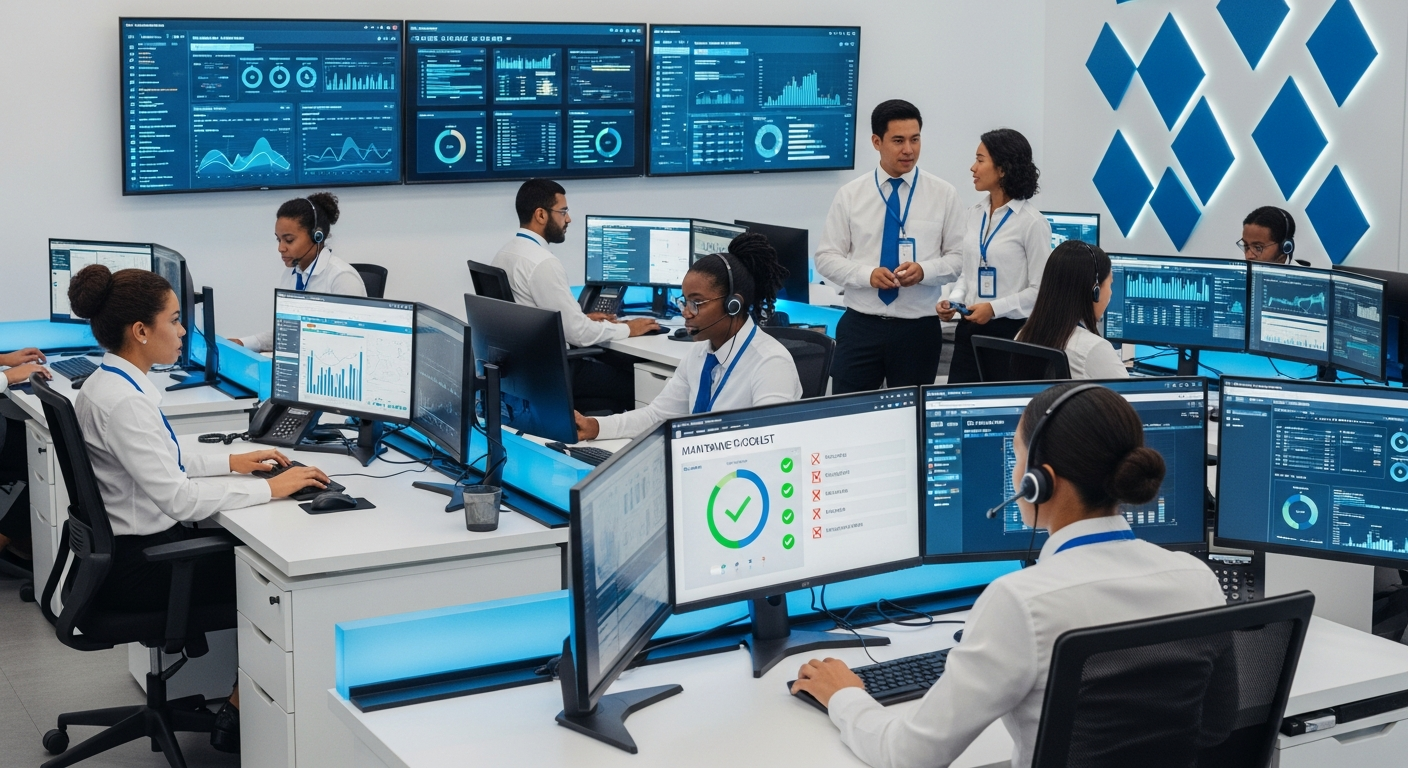
You've invested in software systems, automation tools, and digital infrastructure to run your home service business more efficiently. But like the HVAC systems and plumbing you service for customers, your business technology requires ongoing maintenance and support to perform reliably.
Too many business owners treat their technology as "set it and forget it"—until something breaks at the worst possible time. Proactive technical support and maintenance prevents these crises, protects your investment, and ensures your systems continue delivering value.
The True Cost of Technology Downtime
When business systems go down, the impact extends far beyond inconvenience:
Direct Revenue Loss
If your scheduling system fails during peak booking hours, customers call competitors. If your invoicing system crashes, you can't bill for completed work. If your CRM goes offline, leads slip through the cracks.
For a home service business doing $500,000 in annual revenue, even a few hours of system downtime during a busy day can cost thousands in lost bookings and delayed payments.
Productivity Drain
When systems malfunction, your team wastes time on workarounds:
- Manual scheduling when software is down
- Handwritten invoices that need later entry
- Phone tag with customers because automated reminders didn't send
- Recreating lost data after a system failure
This diverts attention from revenue-generating activities and customer service.
Customer Experience Damage
Technology failures frustrate customers:
- Missed appointment reminders leading to no-shows
- Delayed invoices creating billing confusion
- Lost communication history requiring customers to repeat information
- Booking errors caused by system glitches
In an industry built on trust and reliability, technology failures undermine the professionalism you've worked to build.
Emergency Repair Costs
Fixing systems in crisis mode is always more expensive than proactive maintenance:
- Rush rates for after-hours emergency support
- Data recovery services when backups weren't current
- Expedited replacement of failed hardware
- Overtime for staff recovering from system failures
What Technical Support Covers
Reactive Support
When problems occur, you need fast, expert assistance:
- Help desk access: Phone, email, or chat support for immediate issues
- Troubleshooting: Diagnosing and resolving software problems
- Error resolution: Fixing bugs, glitches, and system errors
- Recovery assistance: Restoring functionality after failures
- User support: Helping staff navigate system features
Response time matters. Look for support with guaranteed response times and 24/7 availability for critical systems.
Proactive Maintenance
Preventing problems before they occur:
- Software updates: Applying patches, security updates, and new features
- Performance monitoring: Tracking system health and identifying issues early
- Backup verification: Ensuring backups are current and recoverable
- Security audits: Checking for vulnerabilities and unauthorized access
- System optimization: Improving speed and efficiency
Strategic Guidance
Beyond break-fix support:
- Technology planning: Roadmap for future improvements
- Integration optimization: Ensuring systems work together efficiently
- Process improvement: Recommendations to better leverage your tools
- Vendor management: Coordinating with software providers on your behalf
- Training: Helping your team use systems effectively
Key Systems Requiring Maintenance
CRM and Field Service Software
Your Housecall Pro, ServiceTitan, Jobber, or other field service platform needs:
- Regular data cleanup (duplicate records, outdated information)
- Workflow review and optimization
- Integration maintenance with connected apps
- User permission audits
- Report and dashboard updates
- Feature configuration as new capabilities release
Website and Online Presence
Your website requires ongoing attention:
- Security updates for CMS and plugins
- SSL certificate renewals
- Content updates (services, pricing, hours)
- Form testing to ensure leads aren't lost
- Speed optimization
- Mobile responsiveness checks
Email and Communication Systems
Business email and messaging need maintenance:
- Spam filter configuration
- Email deliverability monitoring
- Account security (password policies, two-factor authentication)
- Storage management
- Automation sequence testing
Integrations and Automations
Connected systems require coordination:
- Monitoring for failed automation runs
- Updating connections when APIs change
- Testing data flow between systems
- Adding new integrations as needed
- Retiring outdated connections
Hardware and Devices
Physical equipment needs care too:
- Computer updates and security patches
- Mobile device management
- Printer and peripheral maintenance
- Network equipment monitoring
- Hardware replacement planning
The Maintenance Calendar
Daily Monitoring
- Automated system health checks
- Backup verification
- Security alert monitoring
- Failed automation detection
Weekly Tasks
- Review system performance metrics
- Check for pending software updates
- Verify email deliverability
- Test critical workflows
Monthly Maintenance
- Apply non-critical updates
- Review user access and permissions
- Analyze system usage patterns
- Check storage and capacity
- Test backup restoration
Quarterly Reviews
- Comprehensive system audit
- Performance optimization
- Security assessment
- Integration review
- Strategic planning session
Annual Tasks
- Full disaster recovery test
- Contract and subscription review
- Technology roadmap update
- Hardware lifecycle assessment
- Training refresher
Security Considerations
Security threats constantly evolve, making ongoing vigilance essential:
Common Threats
- Phishing: Emails tricking staff into revealing credentials
- Ransomware: Malware that encrypts data until ransom is paid
- Data breaches: Unauthorized access to customer information
- Account takeover: Hackers gaining control of business accounts
Security Measures
- Strong passwords: Complex, unique passwords for each system
- Two-factor authentication: Extra verification beyond passwords
- Regular updates: Patching known vulnerabilities promptly
- Employee training: Teaching staff to recognize threats
- Access controls: Limiting who can access sensitive data
- Backup strategy: Offline backups that ransomware can't reach
Backup and Disaster Recovery
When the worst happens, backups save the day—if they're done right:
What to Back Up
- Customer database and CRM data
- Financial records and invoices
- Email archives
- Website files and databases
- Documents and photos
- System configurations
Backup Best Practices
- 3-2-1 rule: 3 copies, 2 different media types, 1 off-site
- Automated backups: Don't rely on manual processes
- Regular testing: Verify you can actually restore from backups
- Retention policy: Keep multiple versions going back weeks or months
- Documentation: Know exactly how to restore each system
Disaster Recovery Planning
- Document steps to recover each critical system
- Identify who is responsible for each recovery task
- Establish recovery time objectives (how fast must each system be restored?)
- Test the plan at least annually
- Update as systems change
In-House vs. Outsourced Support
In-House IT
Pros:
- Dedicated attention to your business
- Deep knowledge of your specific systems
- Immediate availability on-site
Cons:
- Expensive for small businesses (salary, benefits, training)
- Single point of failure if that person leaves or is unavailable
- May lack expertise in specialized areas
Outsourced Support
Pros:
- Access to team of experts with diverse skills
- Predictable costs without employee overhead
- Coverage for vacations, illness, turnover
- Often more cost-effective for small/medium businesses
Cons:
- May not be on-site for physical issues
- Learning curve to understand your specific setup
- Quality varies significantly between providers
For most home service businesses, outsourced technical support provides better value—access to expertise you couldn't afford to hire full-time, with predictable costs and reliable coverage.
Choosing a Support Provider
What to Look For
- Industry experience: Understanding of home service business needs
- Response time guarantees: Clear SLAs for support requests
- Proactive approach: Emphasis on prevention, not just break-fix
- Communication: Regular updates and clear explanations
- Scalability: Ability to grow with your business
- Security focus: Strong practices to protect your data
Questions to Ask
- What is your average response time?
- Who will be my primary point of contact?
- How do you handle after-hours emergencies?
- What proactive monitoring do you provide?
- How do you keep up with security threats?
- Can you provide references from similar businesses?
ROI of Proper Maintenance
Investing in technical support pays dividends:
- Prevented downtime: Avoiding even one major outage can pay for a year of support
- Extended system life: Properly maintained systems last longer before replacement
- Improved efficiency: Optimized systems work faster and require less staff effort
- Reduced security risk: Avoiding a data breach saves enormous potential costs
- Peace of mind: Knowing experts have your back lets you focus on your business
Getting Started
If you don't have proper technical support in place, start here:
- Inventory your systems: List all technology your business depends on
- Assess current state: When were systems last updated? Are backups current?
- Identify gaps: What maintenance tasks aren't being done?
- Evaluate options: Research support providers or internal resources
- Start with basics: Get backups and security fundamentals in place first
HSP Automation Technical Support
At HSP Automation, we provide comprehensive technical support for home service businesses. We understand the systems you rely on and the importance of keeping them running smoothly.
Our support includes:
- Proactive monitoring and maintenance
- Fast response to issues when they occur
- Security management and updates
- Backup and disaster recovery
- Ongoing optimization and improvement
Contact us today for a free technology assessment and discover how proper support can protect your business investment.