October 2, 2024
The Ultimate Guide to Workflow Automation for Home Service Professionals
Discover how workflow automation can transform your home service business by eliminating repetitive tasks, reducing errors, and freeing up hours every week. Learn the essential automations every contractor needs.
Written by Frankwin Hooglander
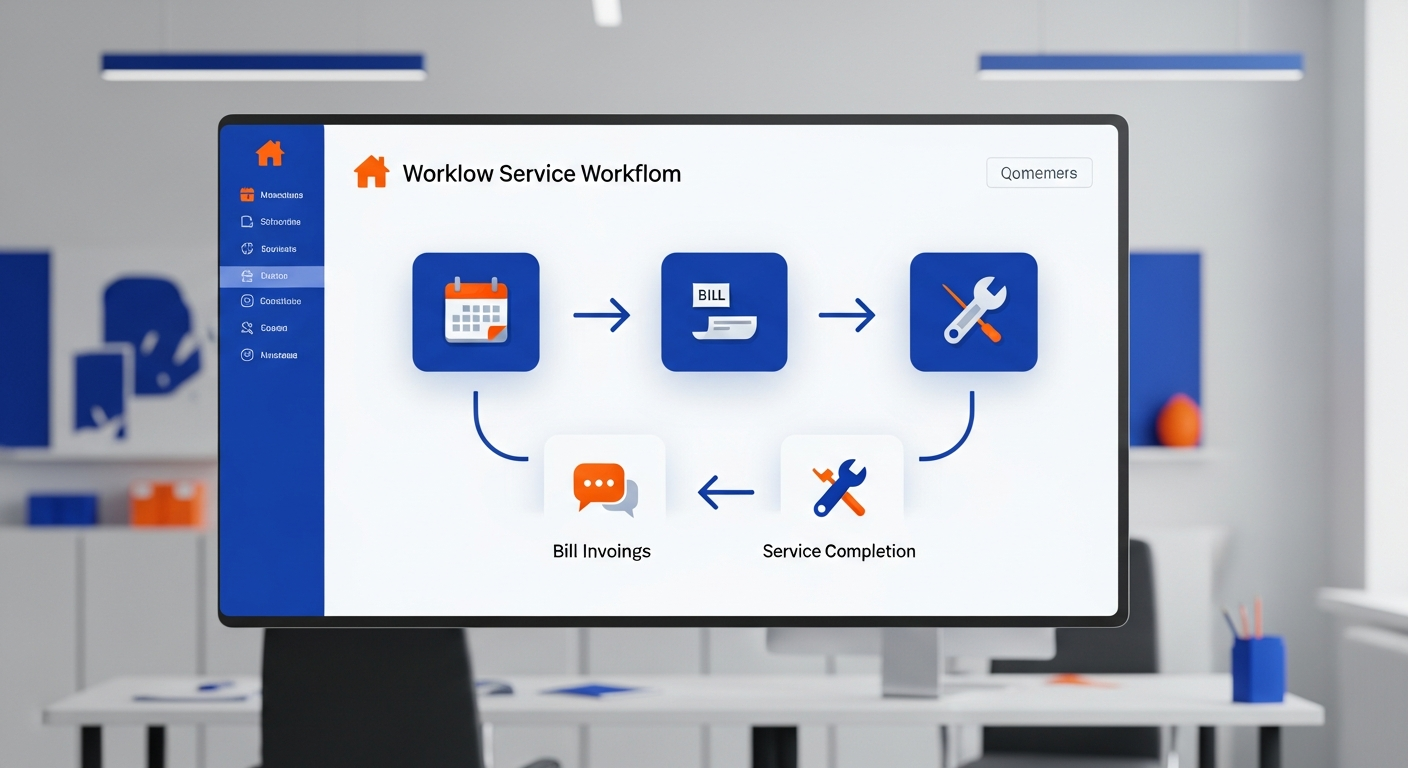
If you're running a home service business—whether you're a plumber, electrician, HVAC technician, or general contractor—you know that administrative tasks can consume an enormous portion of your day. From scheduling appointments to sending invoices, following up with leads, and managing your team, these essential but repetitive tasks steal time from what you do best: serving customers and growing your business.
This is where workflow automation comes in. By implementing smart automation systems, you can eliminate hours of manual work every week, reduce costly errors, and create a more professional customer experience—all while you focus on the revenue-generating activities that matter most.
What Is Workflow Automation?
Workflow automation is the process of using technology to perform repetitive tasks automatically, based on predefined rules and triggers. Instead of manually completing each step of a process, automation tools handle these tasks in the background, ensuring consistency and saving valuable time.
For home service businesses, workflow automation might include:
- Automatic appointment reminders sent to customers 24 hours before their scheduled service
- Instant lead notifications when a new inquiry comes through your website
- Automated invoice generation when a job is marked complete
- Follow-up emails requesting reviews after service completion
- Team notifications when jobs are assigned or schedules change
The beauty of automation is that once you set it up, it runs reliably in the background—never forgetting a step, never getting distracted, never calling in sick.
The True Cost of Manual Processes
Before diving into automation solutions, it's important to understand what manual processes are actually costing your business. Consider this: if your office manager spends just 2 hours per day on tasks that could be automated, that's 10 hours per week, or roughly 520 hours per year. At even a modest hourly rate, that's thousands of dollars in labor costs for work that machines can do faster and more accurately.
But the costs go beyond labor. Manual processes also result in:
- Missed opportunities: Slow response to leads means potential customers go to competitors who respond faster
- Customer frustration: Forgotten follow-ups, missed appointment reminders, and inconsistent communication damage your reputation
- Employee burnout: Repetitive tasks drain energy and morale from your team
- Errors and inconsistencies: Manual data entry leads to mistakes that can cost real money
- Scalability limits: You can only grow as fast as your team can manually handle the workload
Studies show that businesses implementing automation see an average of 30% reduction in administrative costs and 50% faster response times to customer inquiries. For a home service business doing $500,000 in annual revenue, that could mean $15,000 or more in savings—plus the revenue gains from improved customer experience.
Essential Automations for Home Service Businesses
1. Lead Response Automation
When a potential customer reaches out—whether through your website, phone, or a platform like Thumbtack or HomeAdvisor—speed matters. Research shows that responding within 5 minutes makes you 21 times more likely to qualify a lead compared to responding after 30 minutes.
With automation, you can:
- Send an instant text message acknowledging the inquiry
- Trigger an email with your service information and pricing
- Notify your sales team immediately via text or app notification
- Add the lead to your CRM automatically with all relevant details
- Schedule a follow-up task if no response within 24 hours
This ensures no lead falls through the cracks and creates a professional first impression, even if you're on a job site when the inquiry comes in.
2. Appointment Scheduling and Reminders
No-shows and forgotten appointments cost home service businesses thousands of dollars annually. Automation can dramatically reduce these losses by:
- Sending confirmation emails immediately after booking
- Texting reminders 24 hours before the appointment
- Providing one-click options to confirm, reschedule, or cancel
- Syncing appointments across your team's calendars automatically
- Notifying technicians of their daily schedule each morning
Most businesses see no-show rates drop by 30-50% after implementing automated reminders—a direct boost to your bottom line.
3. Job Completion and Invoicing
When a technician marks a job complete in your field service software, automation can trigger a cascade of follow-up actions:
- Generate and send an invoice to the customer immediately
- Email a summary of work performed with photos
- Request payment through your preferred processor
- Update your accounting software with the transaction
- Schedule a review request for 3 days later
This eliminates the lag between completing work and getting paid, improves cash flow, and ensures consistent customer communication.
4. Review and Reputation Management
Online reviews are the lifeblood of local service businesses, but asking for reviews often falls through the cracks when technicians are busy. Automation solves this by:
- Sending a personalized review request 2-3 days after service
- Providing direct links to your Google Business Profile
- Following up if no review is left after a week
- Alerting you when new reviews are posted so you can respond quickly
Businesses that implement automated review requests typically see a 300-400% increase in review volume within the first few months.
5. Customer Retention and Marketing
Past customers are your most valuable asset—they already trust you and are statistically more likely to hire you again. Automation keeps you top-of-mind by:
- Sending seasonal maintenance reminders (HVAC tune-ups, gutter cleaning, etc.)
- Birthday or anniversary messages with special offers
- Re-engagement campaigns for customers who haven't booked in 6+ months
- Holiday greetings and promotional offers
These touchpoints keep your brand in front of customers when they need services again, without requiring any ongoing effort from you.
Popular Automation Tools for Home Service Businesses
Zapier
Zapier is the Swiss Army knife of automation, connecting over 5,000 apps and allowing you to create custom workflows (called "Zaps") without any coding knowledge. For example, you can connect your website contact form to your CRM, SMS service, and email marketing platform—all triggered automatically when someone fills out a form.
Housecall Pro
If you're already using Housecall Pro for field service management, you have access to powerful built-in automations. Automated appointment reminders, invoicing, review requests, and customer communications are all available within the platform, requiring minimal setup.
ServiceTitan
For larger operations, ServiceTitan offers enterprise-grade automation capabilities, including advanced marketing automation, membership billing, and comprehensive reporting. The learning curve is steeper, but the capabilities are extensive.
Custom Integrations
Sometimes off-the-shelf solutions don't quite fit your unique processes. Custom integrations—built specifically for your business—can connect any tools you use and automate workflows that generic solutions can't handle.
Getting Started with Workflow Automation
If you're new to automation, the prospect of implementing all these systems might feel overwhelming. The key is to start small and build from there. Here's a phased approach:
Phase 1: Quick Wins (Week 1-2)
Start with automations that have immediate, visible impact:
- Set up automated appointment reminders via text and email
- Create an auto-response for website contact form submissions
- Implement automated review requests after completed jobs
These three automations alone can save several hours per week and improve customer experience significantly.
Phase 2: Lead Management (Week 3-4)
Build out your lead handling automation:
- Connect all lead sources to your CRM
- Set up instant notifications for new leads
- Create follow-up sequences for leads that don't respond
- Implement lead scoring to prioritize hot prospects
Phase 3: Operations (Month 2)
Streamline your day-to-day operations:
- Automate invoice generation and payment reminders
- Set up team scheduling and job assignment notifications
- Create automated reporting dashboards
- Implement inventory tracking and reorder alerts
Phase 4: Marketing and Retention (Month 3+)
Build long-term customer relationships:
- Launch seasonal maintenance reminder campaigns
- Create customer segmentation for targeted marketing
- Implement referral program automation
- Set up anniversary and re-engagement campaigns
Common Automation Mistakes to Avoid
While automation offers tremendous benefits, there are pitfalls to avoid:
- Over-automating customer communication: Some touchpoints should remain personal. Balance automation with genuine human connection.
- Ignoring data quality: Automation is only as good as your data. Ensure customer information is accurate and up-to-date.
- Setting and forgetting: Review your automations periodically to ensure they're still working correctly and achieving desired outcomes.
- Failing to test: Always test automations thoroughly before going live. One wrong automation can send embarrassing messages to customers.
- Trying to do too much at once: Implement gradually to avoid overwhelm and ensure each automation is working before adding more.
Measuring Automation Success
To ensure your automation investments are paying off, track these key metrics:
- Response time: How quickly are you responding to new leads?
- No-show rate: Has automated reminders reduced missed appointments?
- Review volume: Are you getting more reviews than before?
- Time savings: How many hours is your team saving on administrative tasks?
- Customer satisfaction: Are customers reporting better communication and experience?
Set benchmarks before implementing automation, then measure regularly to quantify your ROI.
The Future of Automation in Home Services
Automation technology continues to evolve rapidly. Emerging trends include:
- AI-powered chatbots that can handle customer inquiries and even schedule appointments
- Predictive maintenance alerts based on equipment age and service history
- Voice-activated job updates so technicians can update records hands-free
- Smart scheduling that optimizes routes and appointments using AI
Businesses that embrace these technologies early will have a significant competitive advantage as they become mainstream.
Take the Next Step
Workflow automation isn't just for large companies with big IT budgets. Today's tools make powerful automation accessible to home service businesses of all sizes. The question isn't whether you can afford to automate—it's whether you can afford not to.
At HSP Automation, we specialize in helping home service professionals implement automation systems that save time, reduce errors, and grow revenue. Whether you need help with a single automation or want to transform your entire operation, we're here to help.
Contact us today for a free consultation and discover how automation can transform your business.