November 23, 2026
How to Evaluate HVAC Automation Controls
Last Updated: November 22, 2026 Quick Summary To evaluate hvac automation controls, first inventory your building zones and equipment, then set measurable goals and thresholds before any demo. Check control types, key features, and compatibility with existing equipment, then score each option agains
Written by Frankwin Hooglander — Founder & Automation Specialist
Last Updated: November 22, 2026
Quick Summary
To evaluate hvac automation controls, first inventory your building zones and equipment, then set measurable goals and thresholds before any demo. Check control types, key features, and compatibility with existing equipment, then score each option against those criteria. A pilot on one zone, judged against your pre-set numbers, shows whether the system really performs.
- Record each zone, its equipment, sensor locations, and current comfort complaints before comparing vendors.
- Set target thresholds for drift, overshoot, and settling time before any demo or pilot begins.
- Confirm the communication protocol, sensor types, and integration path with your specific equipment in writing.
- Run a pilot on one zone for several weeks and compare results against your agreed thresholds.
- Insist on a written commissioning test sheet and keep a signed copy as your performance baseline.
Table of Contents
- What HVAC Automation Controls Do and Why Evaluation Matters
- Types of HVAC Control Systems
- HVAC Control System Features to Check
- Checking HVAC Controls Compatibility With Existing Equipment
- A Step-by-Step Framework for Evaluating Control Performance
- Planning HVAC Automation Controls Training for Your Team
- Scheduling Your Controls Evaluation and Next Steps With HSP Automation
- Frequently Asked Questions
What HVAC Automation Controls Do and Why Evaluation Matters
HVAC automation controls are the sensors, thermostats and software that run heating and cooling on their own. Choosing the right system matters because a poor one wastes energy, leaves rooms uncomfortable, and makes your team's day harder. This guide helps you judge any control system before you buy it.
The global HVAC control systems market was valued at USD 31.06 billion in 2026 and is projected to reach USD 65.14 billion by 2034 (Fortune Business Insights HVAC control systems market report). Growth like that means more vendors, more features and more confusing sales pitches. A clear evaluation method cuts through that noise.
Good controls do three things well. They hold temperature and humidity where you set them. They respond to real conditions instead of running on a fixed schedule. And they report problems before a customer calls to complain.
Types of HVAC Control Systems
Most control systems fall into a few broad groups. Knowing which one you are looking at tells you what to check first. To see how these controls fit into full software for dispatch, job costing and mobile use, compare field service management software for HVAC.
- Standalone thermostats: Single-zone devices that control one unit. They are simple and cheap but offer little monitoring.
- Direct digital controls (DDC): Networked controllers that manage individual pieces of equipment, such as air handlers and pumps.
- Energy management systems (EMS): Software that coordinates several DDC controllers and tracks energy use across a building.
- Building automation systems (BAS): Full platforms that combine HVAC, lighting and safety controls under one interface.
The U.S. Department of Energy's HVAC Controls Evaluation Protocol is built around DDC, EMS and BAS systems, which makes it a useful reference when you compare these types (U.S. Department of Energy HVAC Controls Evaluation Protocol).
Watch out: A standalone thermostat can look like a full automation upgrade in a sales demo. Confirm whether the device can send data anywhere before you assume it is "smart" in the way you need.
The main control system types, and what each one is best suited for, are summarised below.
| System type | Best for | Key difference |
|---|---|---|
| Standalone thermostats | Single-zone control of one unit | Simple and cheap, but little monitoring |
| Direct digital controls (DDC) | Managing individual equipment such as air handlers and pumps | Networked controllers for specific equipment |
| Energy management systems (EMS) | Coordinating several DDC controllers | Tracks energy use across a building |
| Building automation systems (BAS) | Combining HVAC, lighting and safety controls | Full platform under one interface |
HVAC Control System Features to Check
Feature lists all sound alike, so focus on the ones that affect daily work:
- Remote monitoring: Can you see temperatures and alarms from a phone or laptop?
- Alarm handling: Does the system send alerts with clear details, or just a generic warning?
- Scheduling and setpoints: Can you change schedules for each zone without a technician on site?
- Data logging: Does it store history you can use to spot trends and prove performance?
- Real-time monitoring and IoT integration: Does it connect to the sensors and devices you already use?
Industry guidance on modern HVAC automation describes real-time monitoring and IoT integration as core evaluation points, though it does not give adoption numbers (ISS Mechanical guide to modern HVAC automation features). Real-time monitoring and IoT integration also help connect HVAC controls with smart home automation integration, making it easier to assess how systems coordinate across the home.
Checking HVAC Controls Compatibility With Existing Equipment
Compatibility problems are the most common reason new controls disappoint. Before you buy, list your current equipment and check the items below.
- Communication protocol: Does the new controller speak the same language as your existing units, or does it need a gateway? Common building protocols include BACnet, Modbus, and LonWorks; many modern devices also expose an IP-based interface. Ask the vendor to name the exact protocol and version, and whether a gateway adds latency or a single point of failure.
- Sensor and actuator types: Are your dampers, valves, and sensors supported, or will you need replacements? Confirm analog versus digital inputs, voltage and current ranges, and whether existing actuators are powered or spring-return.
- Software integration: Will the controls link to your scheduling, billing, or field service software? Ask how data leaves the system, an open API, a database export, or a proprietary connector, and who supports that connector after go-live.
- Cybersecurity and access controls: Ask how the system handles user accounts, role-based permissions, remote access, and firmware updates. A controls network that shares a flat network with office computers is a risk; ask whether the vendor supports network segmentation and whether remote access requires multi-factor authentication.
- Vendor lock-in and lifecycle: Ask who owns the programming, whether sequences can be exported, and what happens to your data if you change vendors. Confirm the expected support life of the controllers and whether replacement parts will be available in five to ten years.
Ask the vendor to show a working example with equipment like yours, and get the protocol and integration answers in writing. A verbal promise is not enough.
Watch out: A demo that works on the vendor's bench can still fail in your mechanical room if the protocol version, network, or actuator type differs, insist on a site-specific compatibility checklist before signing.
A Step-by-Step Framework for Evaluating Control Performance
Use this framework to compare options on the same terms, and score each one so the decision is not left to whoever has the best sales deck.
- Inventory the building: Record each zone, the equipment serving it, the sensor locations, and the current complaints. Note which zones are chronically too hot, too cold, or too humid.
- Set goals and thresholds: Pick two or three targets, such as fewer comfort complaints, fewer after-hours runtime hours, or tighter temperature hold in critical zones. Write down the acceptable number for each before any demo.
- Request a demo on your equipment type: Watch the system respond to a real setpoint change, not a canned simulation. Ask the vendor to show a trend log from a similar building.
- Score each option: Use the criteria in the sections above plus the performance metrics below. Give each metric a weight so the total score reflects what matters to your building.
- Run a pilot: Test one zone for several weeks before a full rollout, and compare the pilot data against your pre-set thresholds.
Control Performance Metrics and Target Thresholds
Measure the system against numbers, not impressions. The metrics below translate control-loop behavior into checks you can run during a demo or pilot.
- Setpoint tracking (temperature deviation): How far a zone drifts from its setpoint during steady operation. A well-tuned zone typically holds within about 1 to 2 degrees Fahrenheit of setpoint; persistent drift beyond that points to sensor placement, valve or damper sizing, or a tuning problem.
- Overshoot: How far the temperature passes the setpoint after a heating or cooling call ends. Large overshoot means the loop is tuned too aggressively or the equipment is oversized.
- Settling time: How long the zone takes to return to setpoint after a disturbance such as a door opening or a schedule change. Long settling times usually signal a slow sensor, a stuck actuator, or a control loop that needs retuning.
- Cycling and runtime: How often equipment starts and stops per hour, and total runtime hours compared with the same period before the upgrade. Short-cycling wears equipment and wastes energy; excessive runtime can mean the controls are fighting the schedule.
- Deadband and staging: How the system handles the gap between heating and cooling setpoints, and whether it stages equipment smoothly instead of slamming between full heat and full cool.
- Alarm count and false-alarm rate: Alerts per week, and how many turned out to be nuisance alarms. A system that cries wolf gets ignored.
- Energy use: Compare utility or submeter data before and after the pilot. Normalize for weather so a mild week does not look like a win.
Set your own target thresholds before the pilot starts. Agree on acceptable drift, overshoot, and settling time with your team before the pilot, then judge the pilot against those agreed numbers.
Functional Testing and Commissioning
Commissioning confirms the system does what the contract says. Test each sequence on purpose: a cooling call, a heating call, a schedule change, a manual override, a sensor failure simulation, a power loss and a restart. Record what happened at each step, including the time it took the system to respond.
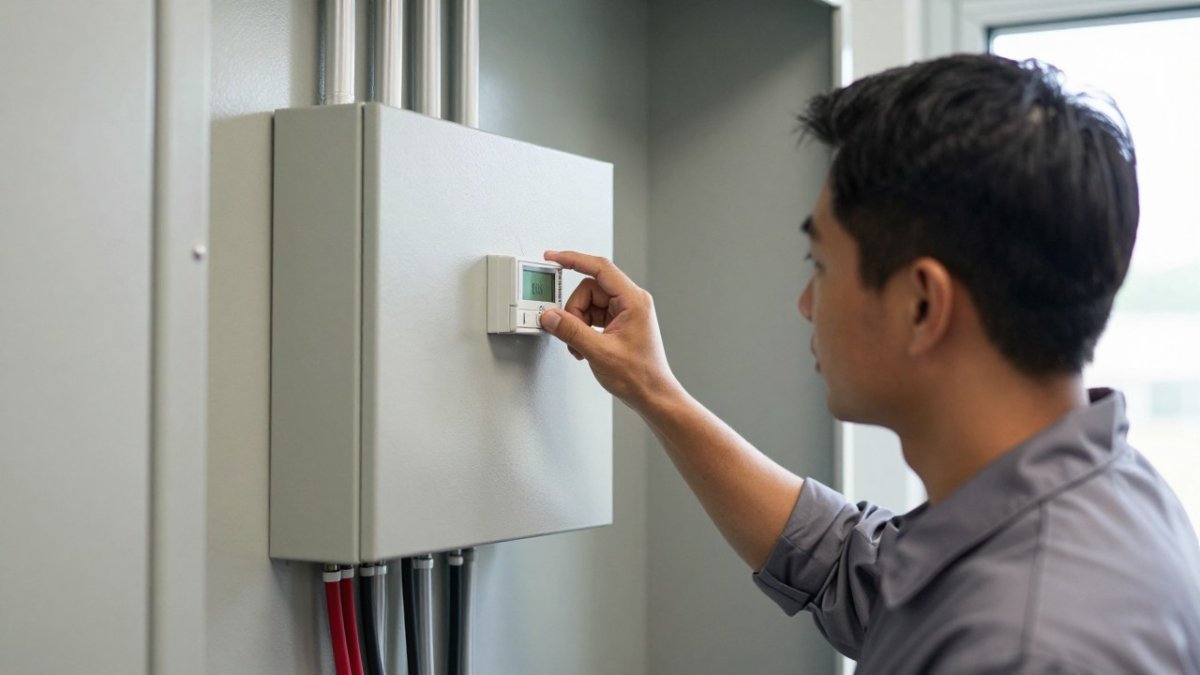
A technician checking a thermostat and control panel in a mechanical room is a good picture of this work. Keep the test log, because it becomes your baseline when something drifts later.
Watch out: Skipping commissioning is the most common way systems fail quietly. Insist on a written test sheet covering sensors, actuators, sequences, alarms, schedules, and fail-safe behavior before you accept the installation, and keep a signed copy.
Planning HVAC Automation Controls Training for Your Team
A control system only works if your staff uses it. Plan training before go-live:
- Assign one person as the system owner who knows the settings.
- Train technicians on alarms and overrides, and dispatchers on what each alert means.
- Write a one-page guide covering the most common tasks.
- Schedule a refresher after 30 days, when real questions come up.
For a broader plan on automating everyday tasks your team will be learning, see how to automate the first five small business tasks. For a structured way to onboard new staff on software and field procedures, see the team onboarding and training template.
Scheduling Your Controls Evaluation and Next Steps With HSP Automation
Start by booking time to walk through your building inventory and your current scheduling process. HSP Automation can help you set up the software side of your controls, including Housecall Pro integrations and workflows that keep dispatch and job data in sync. If you want to review your scheduling and dispatch practices before you add new controls, use this dispatch and scheduling efficiency checklist. When you are ready to get your team trained on the systems you choose, book training and team onboarding support.
Frequently Asked Questions
What are HVAC automation controls?
HVAC automation controls are devices and software that adjust heating, cooling and ventilation automatically based on temperature setpoints, schedules, occupancy and sensor readings. They typically combine thermostats, sensors, actuators and a central controller or building management system. Evaluating them means checking how well they hold comfort targets, how easily they integrate with existing equipment, and whether your team can operate them day to day. Start by listing the zones and equipment you need to control, then compare candidate systems against that list before requesting a quote from HSP Automation.
How do you evaluate an HVAC control system?
Evaluate an HVAC control system in four stages: confirm the control types and features you need, verify compatibility with your existing equipment, define performance metrics such as setpoint tracking and response time, and run functional tests before accepting the installation. Record baseline readings before any change so you can compare results afterward. Gather input from the people who will use the system daily, since adoption affects whether the savings you expect actually appear. HSP Automation can help you map these steps to your specific equipment and workflows.
What features should an HVAC automation system have?
Look for scheduling, remote monitoring and alerts, support for the sensors and actuators your equipment uses, and clear reporting on runtime and setpoint performance. Real-time monitoring and integration with other business systems are increasingly expected. Check whether the system can be adjusted without specialized programming, and whether it supports your building's zones. Confirm these features against your written requirements rather than vendor demonstrations alone. Pricing depends on system scope and equipment, so request a current quote from HSP Automation for details.
